Enterprise
This article primarily introduces how to manage enterprise information in Zadig, including:
- Basic information such as company name, website, and logo
- License information
- System theme settings
# Corporate Information
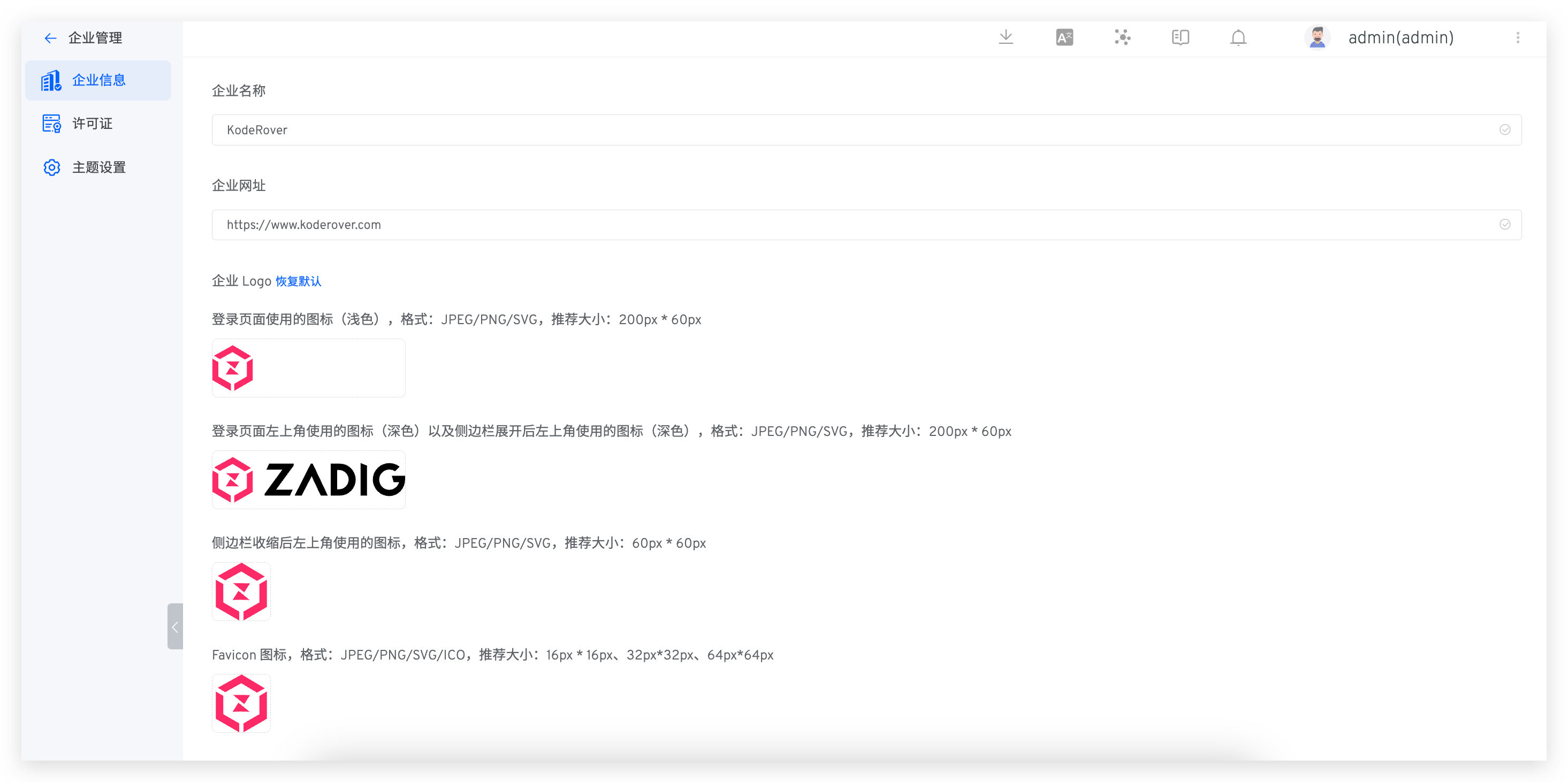
The system administrator can access Enterprise → Enterprise Info to modify the company name, website, and enterprise logo.
- The icon used on the login page (light color): Format: JPEG/PNG/SVG, recommended size: 200px * 60px
- The icon used in the upper left corner of the login page (dark color) and the icon used in the upper left corner after the sidebar is expanded (dark color): Format: JPEG/PNG/SVG, recommended size: 200px * 60px
- The icon used in the upper left corner after the sidebar is collapsed: Format: JPEG/PNG/SVG, recommended size: 60px * 60px
- Favicon icon: Format: JPEG/PNG/SVG/ICO, recommended sizes: 16px * 16px, 32px * 32px, 64px * 64px
# License
# Obtain a Free 30-Day Trial License
After installation, you can obtain a trial license through the official website(opens new window). If you need assistance during the trial process, add the assistant to join the usage communication group.
# Configure the License
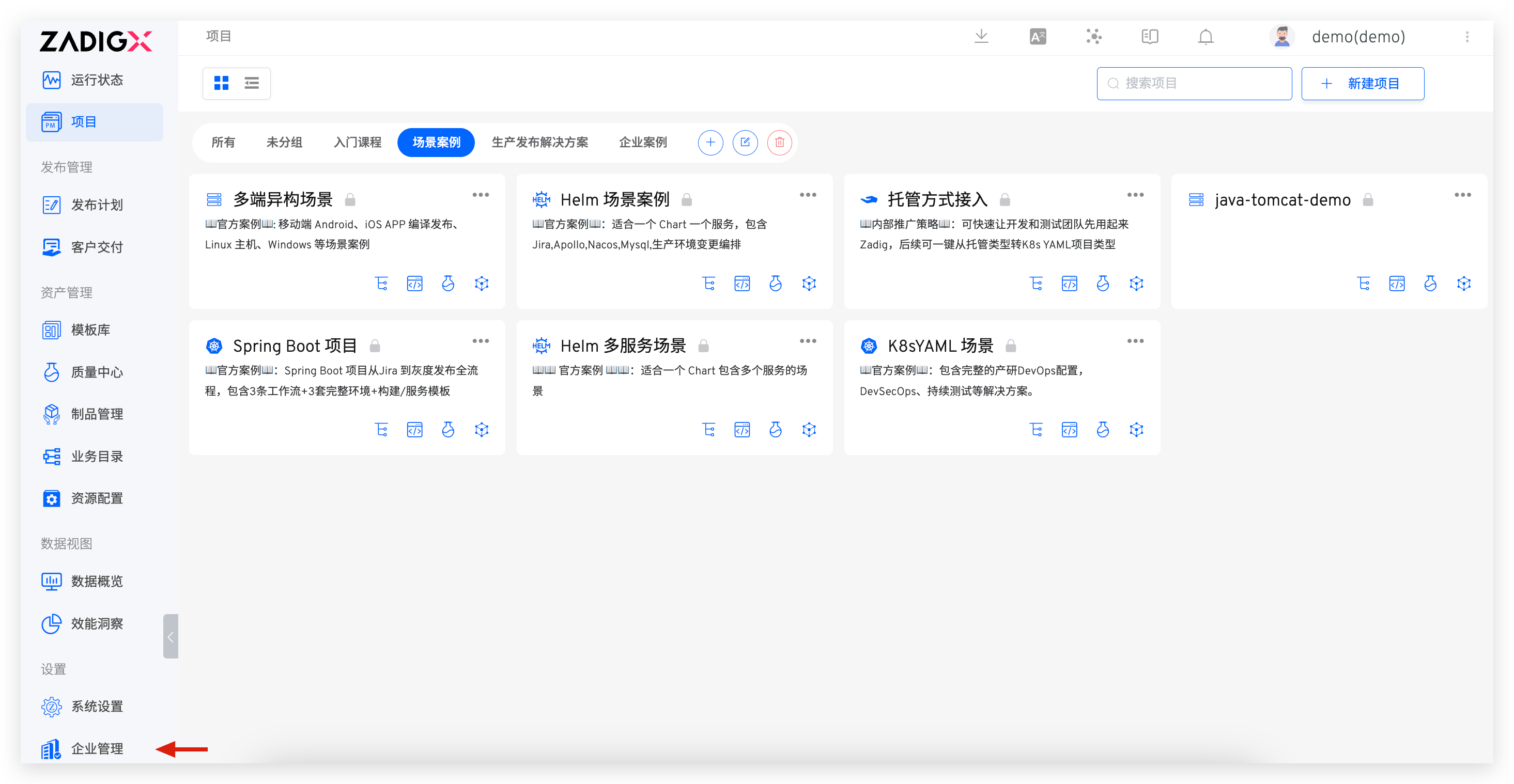
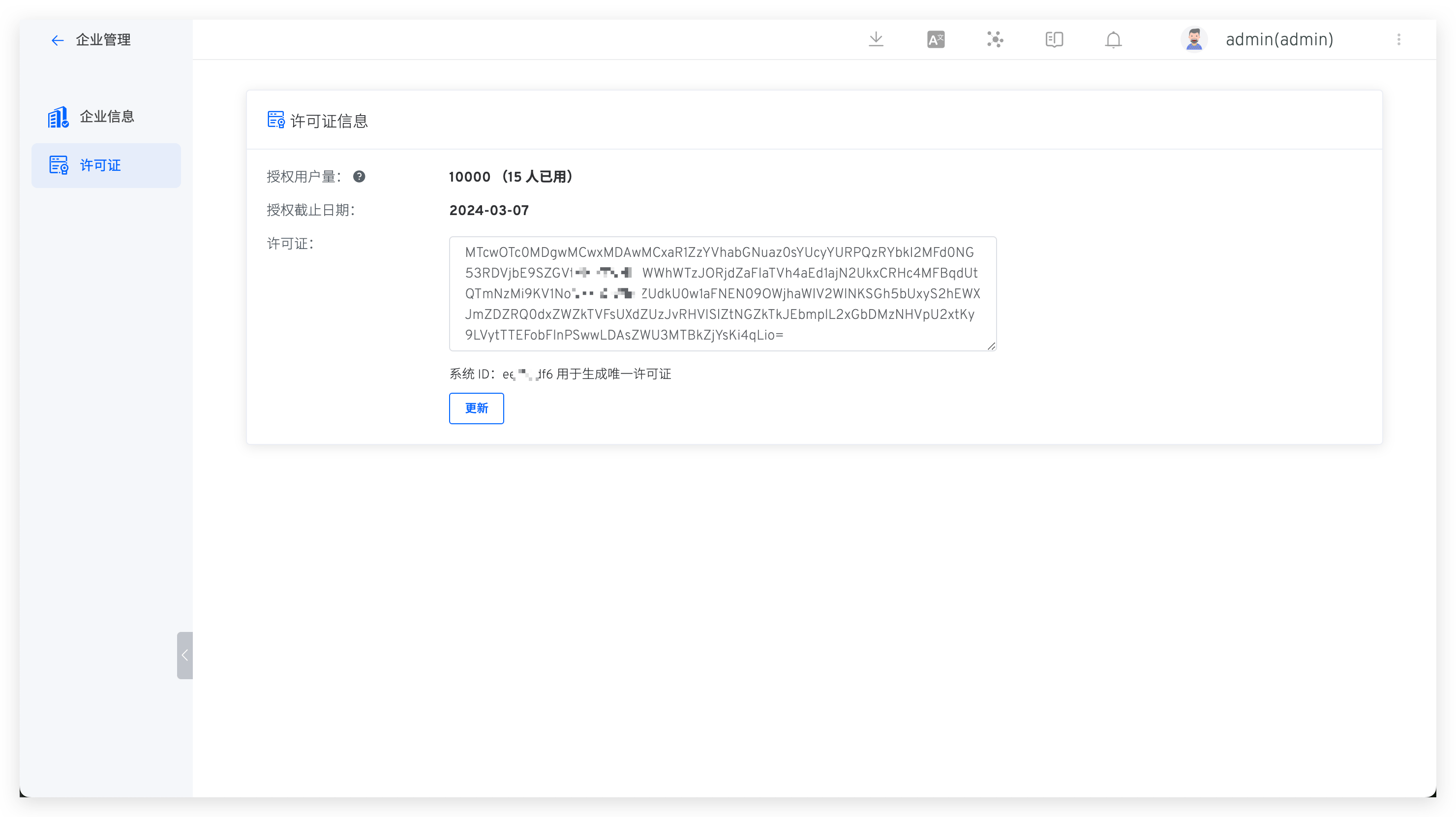
The system administrator can access Enterprise → License to configure the license as needed.
# System Theme
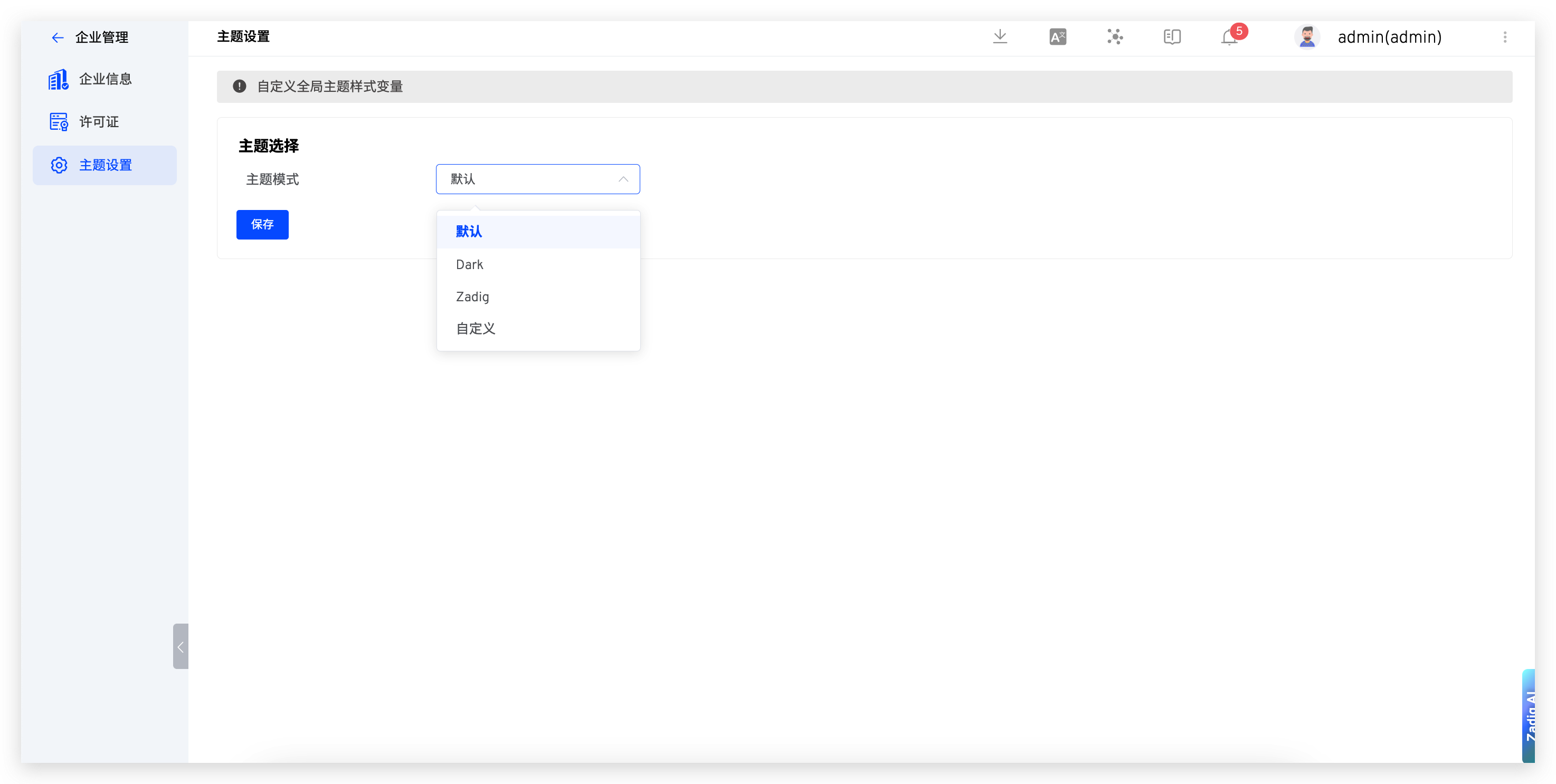
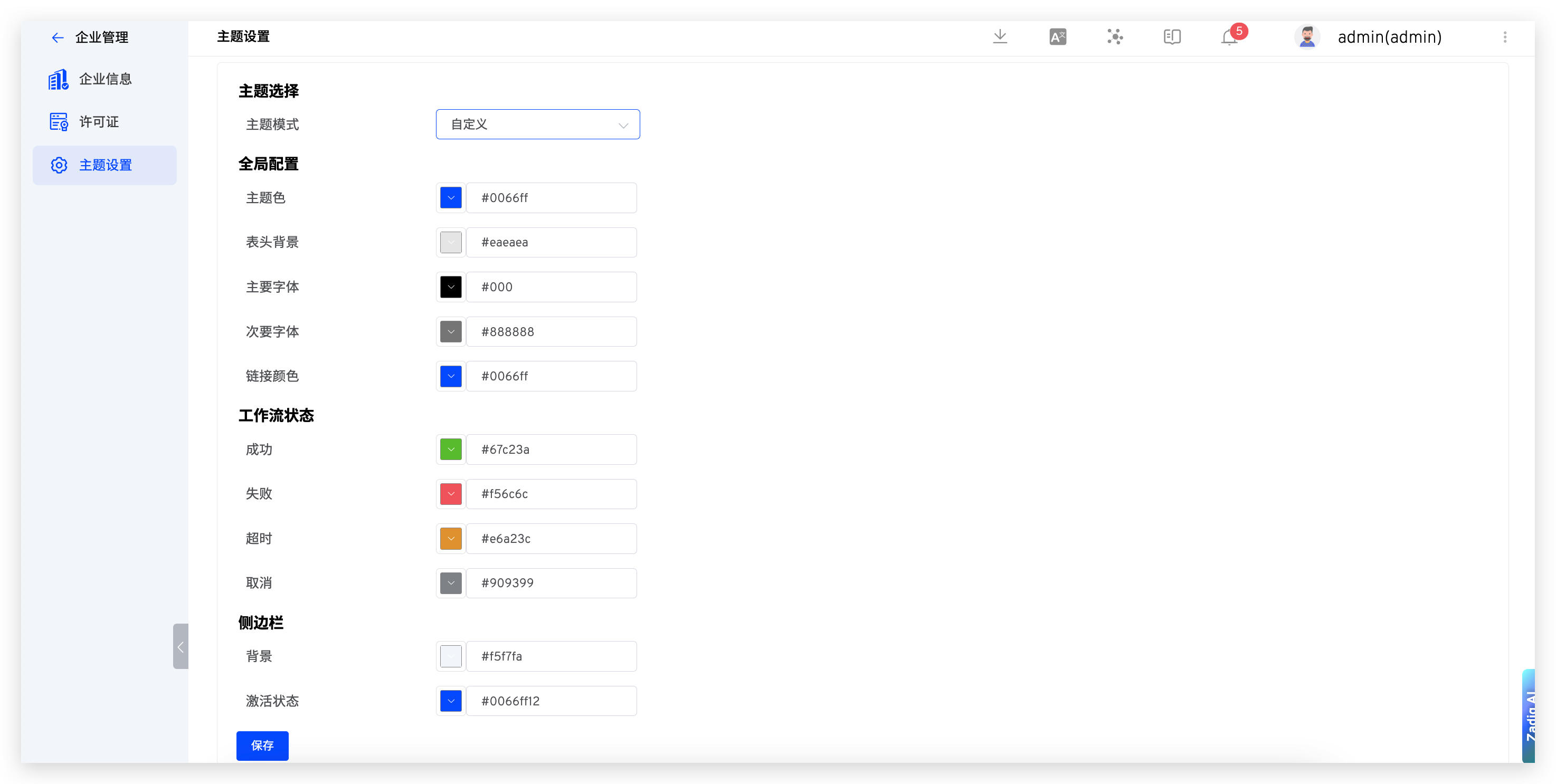
The system administrator can access Enterprise → Theme Settings to select a built-in system color scheme or customize the system theme color scheme.
Tip: Once the system theme is set, it will apply to all users.